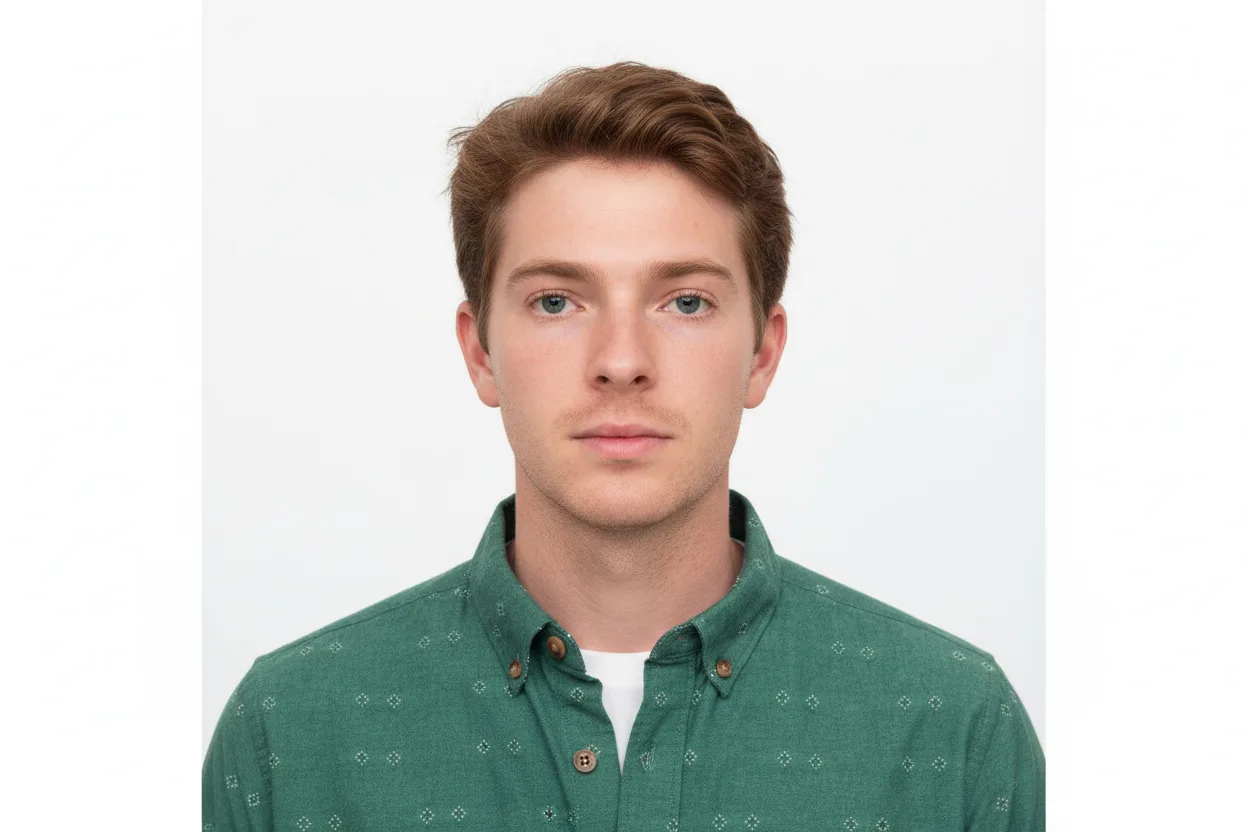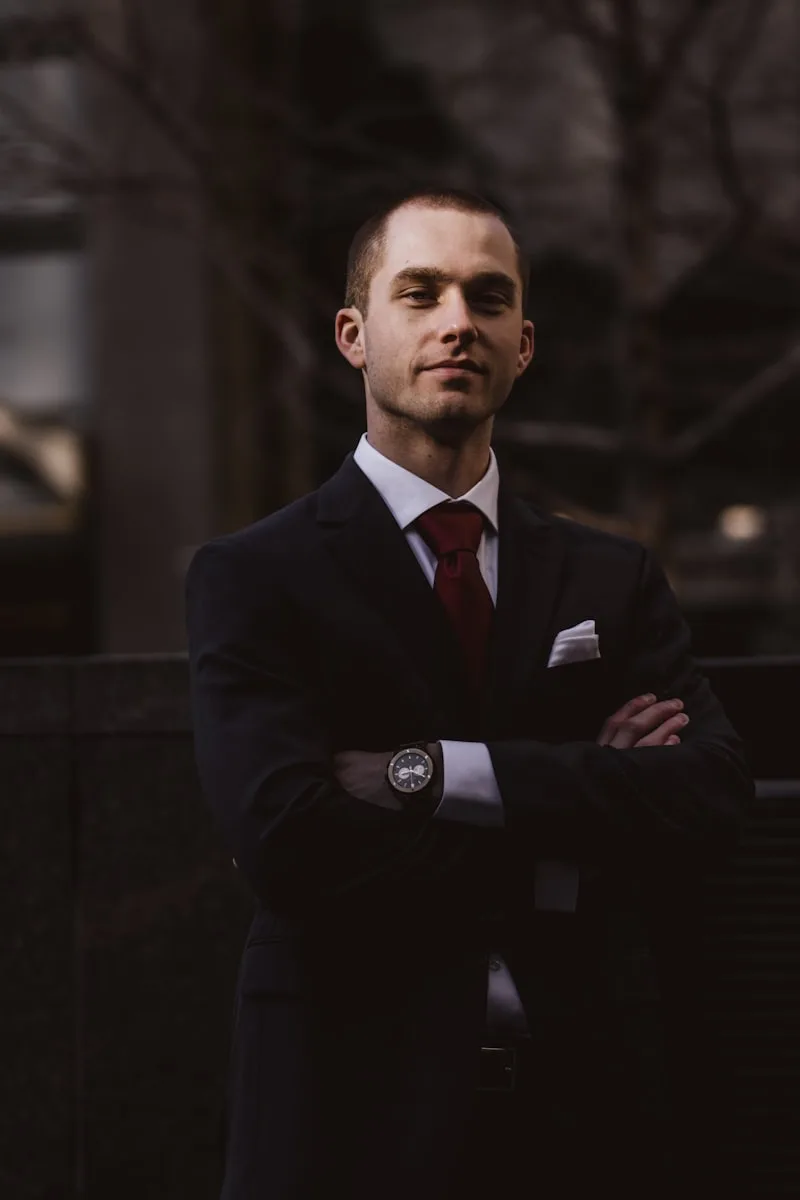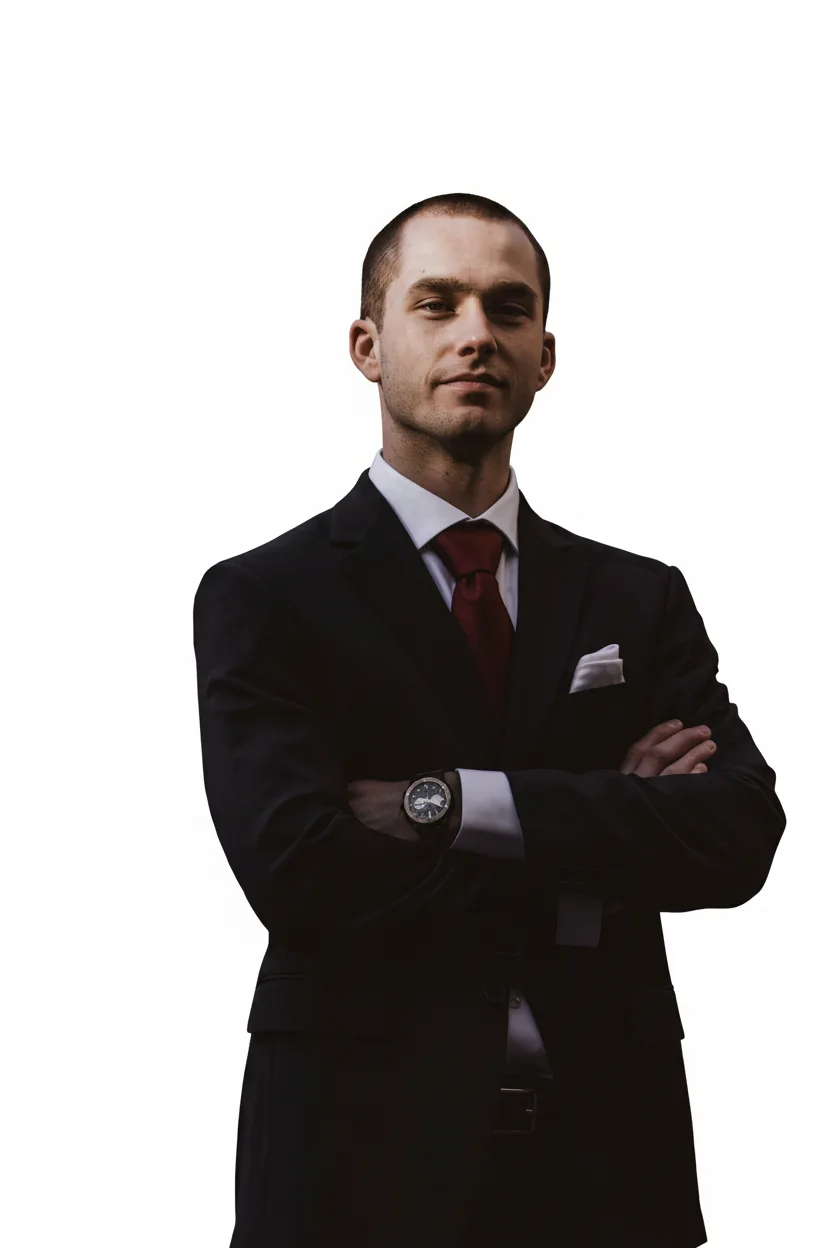
You do not need a photo booth. A phone, a plain wall and daylight are enough to produce a source picture the ID photo tool can crop to the official size and put on a compliant background. The key is to get a few basics right at shooting time, because they cannot be fixed afterwards.
A plain wall and daylight from the front
Stand about one metre in front of a plain, light-coloured wall. The main light should come from a window in front of you, never from the side or behind: side light creates shadows on the face, backlight turns the face dark. Turn off coloured lamps.
Distance and framing
Ask someone to hold the phone at eye level, roughly 1.5 to 2 metres away, with the rear camera. Leave space above the head and down to the chest: the tool crops to the exact format, but it cannot add what is outside the frame. Avoid the front camera and the zoom, which distort the face.
Posture and expression
Face the camera straight on, shoulders level, chin neither raised nor tucked. Neutral expression, mouth closed, eyes open and visible. Remove glasses if your country refuses them, and pull hair away from the face and eyebrows.
What the tool does next
Upload the picture, pick the document and country, and the tool crops to the required size, checks the head proportion, replaces the background with the required colour and exports a printable and a digital version. If the head-size check fails, shoot again rather than stretching the picture.
Checklist
- Plain, light wall with nothing on it
- Window in front of you, no lamp from the side
- Rear camera, eye level, 1.5–2 m away
- Straight posture, neutral face, hair off the face
- Shoot three or four takes and keep the sharpest
Take several pictures in a row and upload the sharpest one: the extra minute at shooting time saves a rejected application later.