
Photo Retouching Online
Retouch, enhance and transform your photos in seconds. AI tools, filters, crop and more — all in one editor.
Before / after: judge for yourself
Drag the slider on each example to see exactly what the AI recovers.
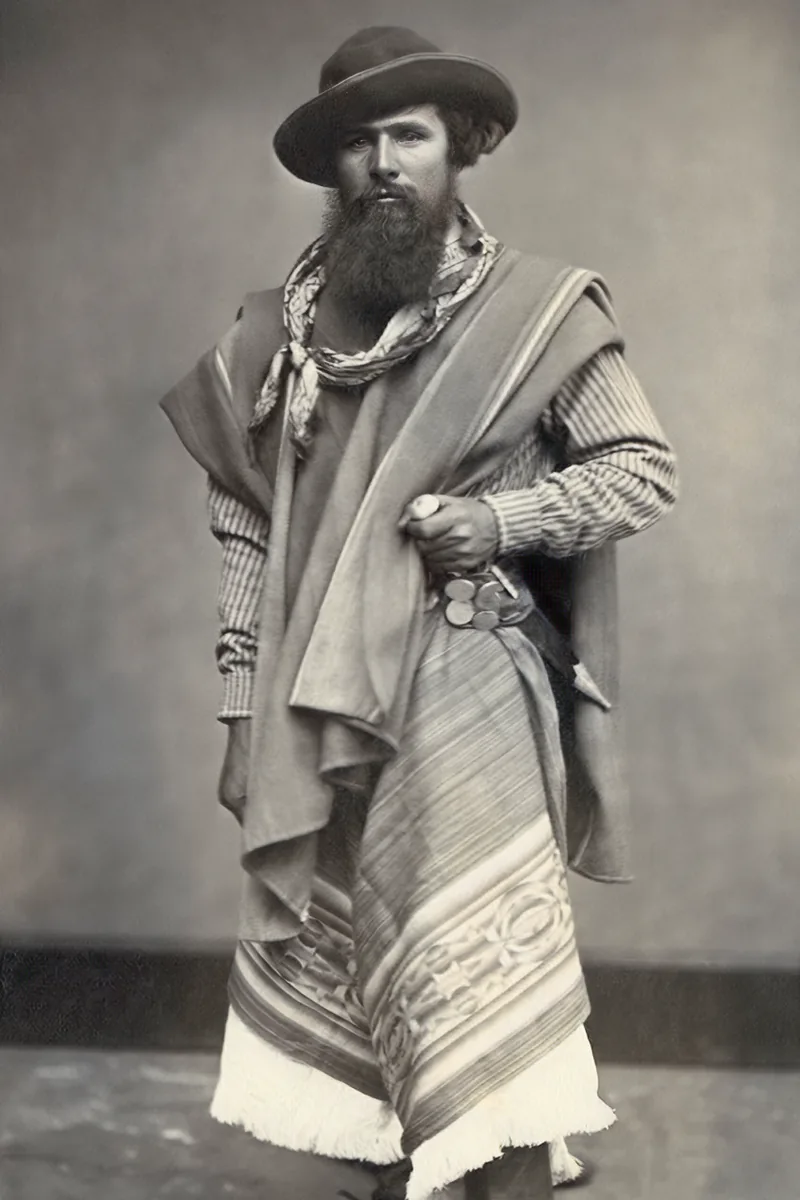 After
After
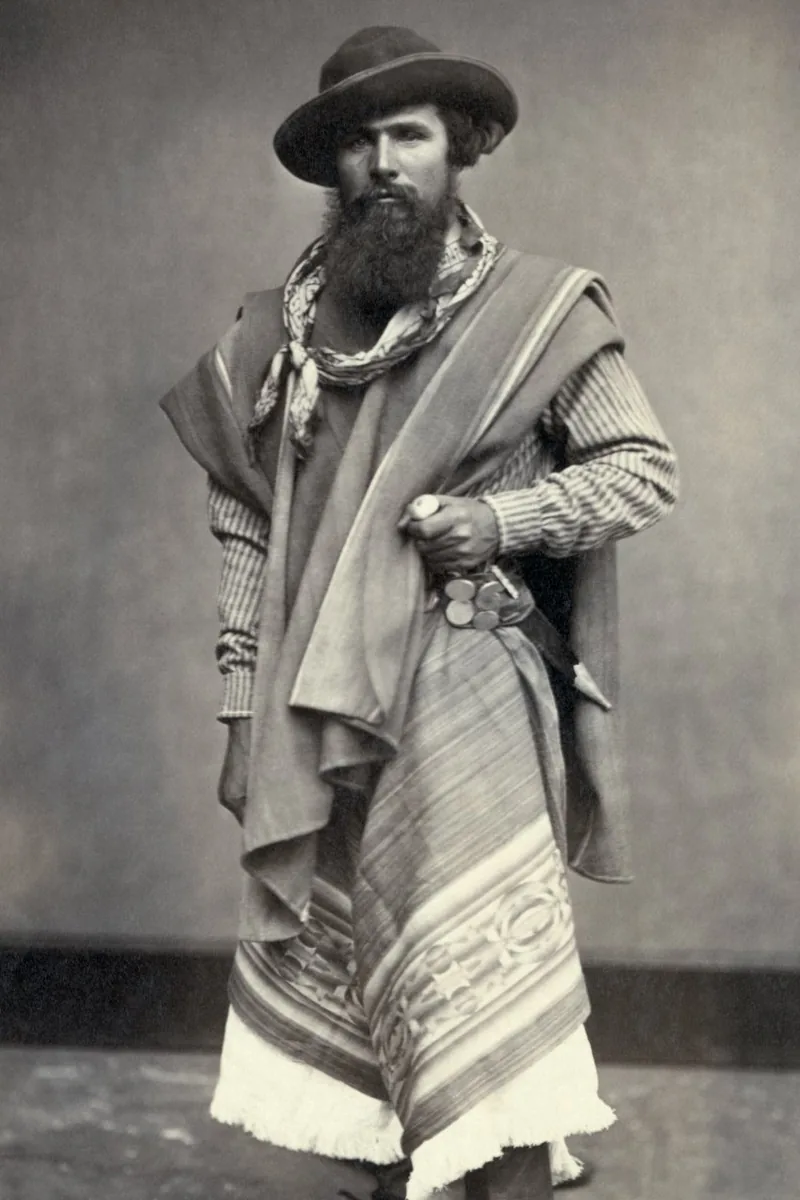 Before
Old photo restored
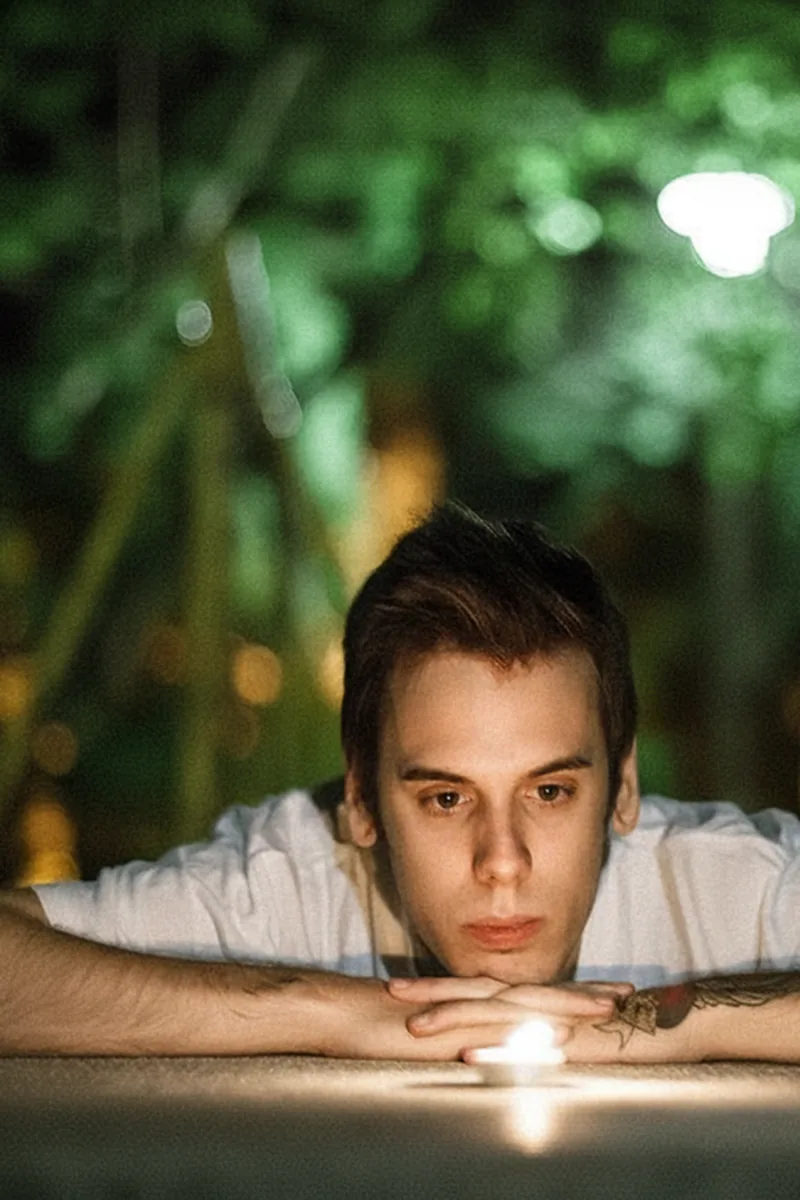 After
After
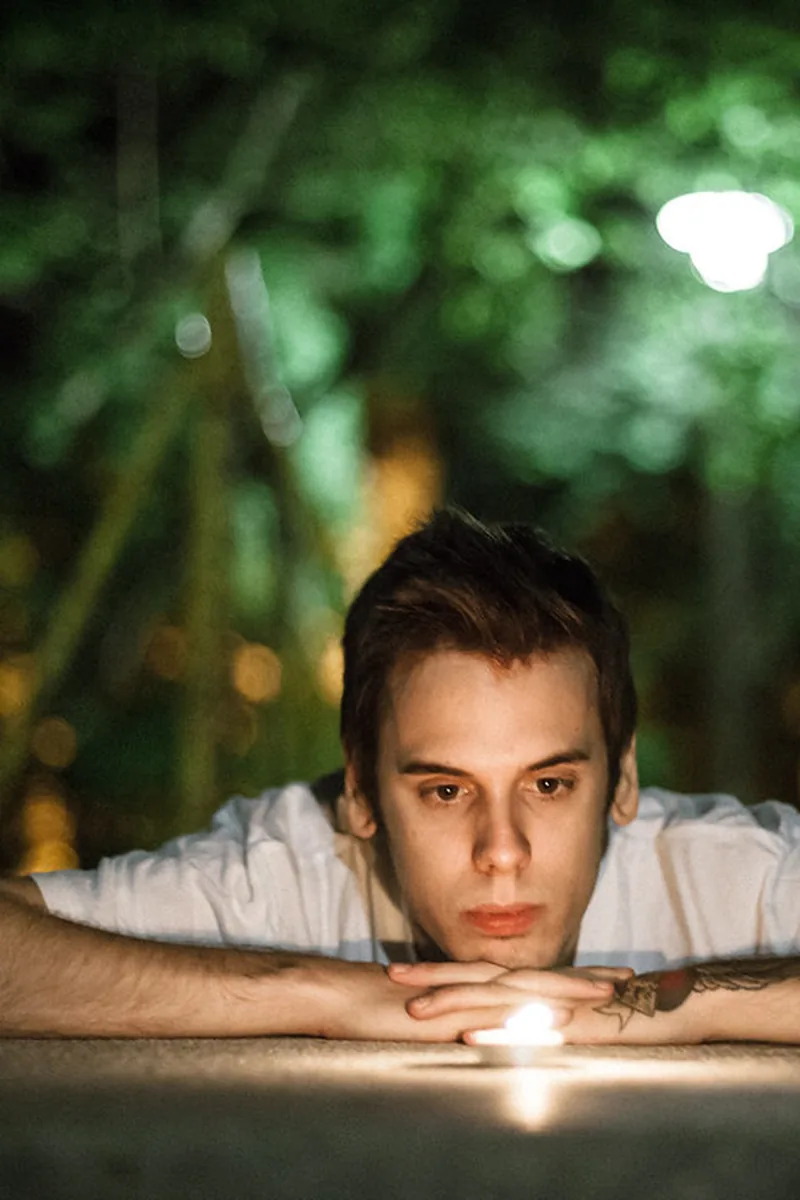 Before
Dark photo brightened
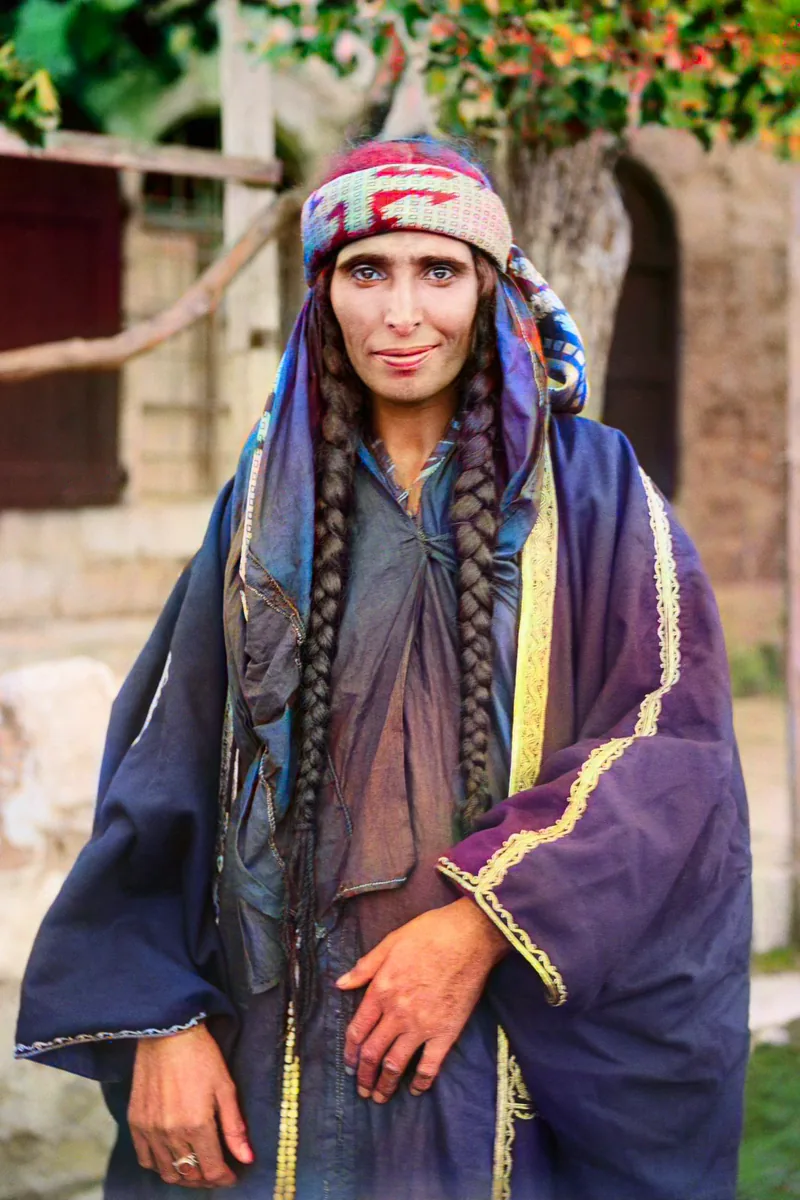 After
After
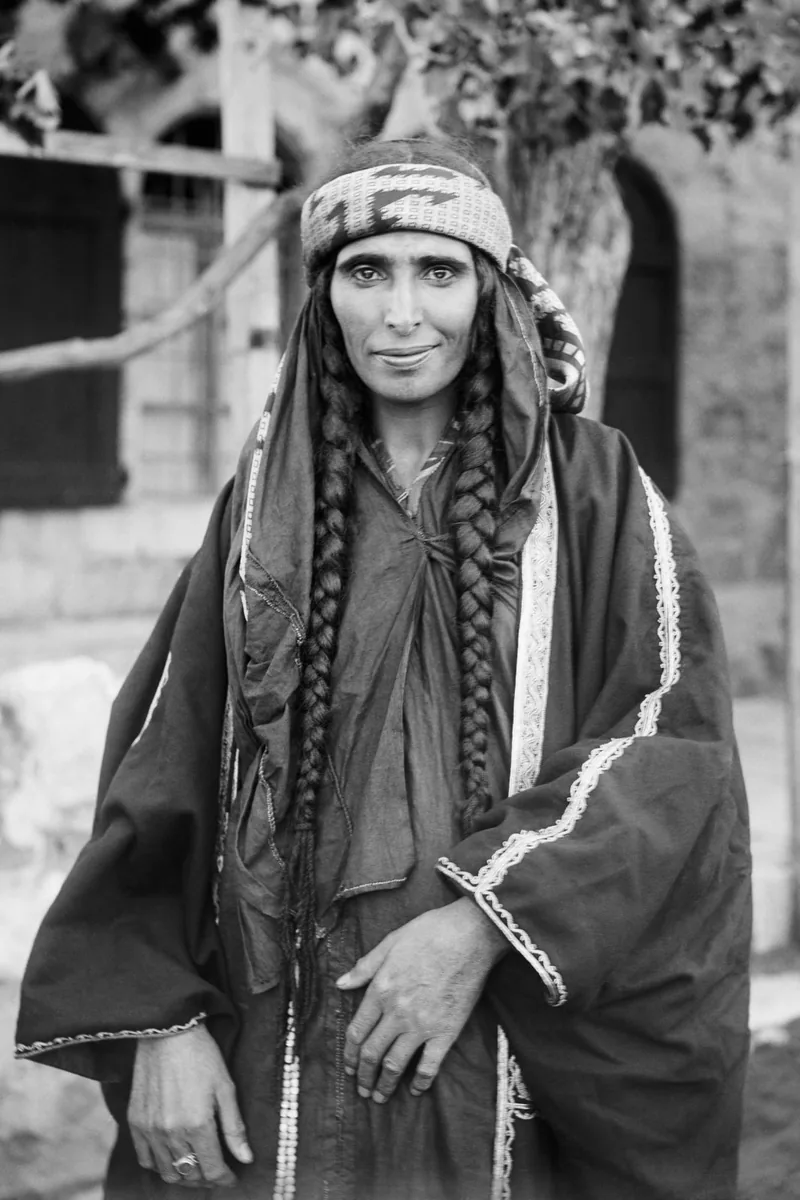 Before
Black-and-white photo colorized
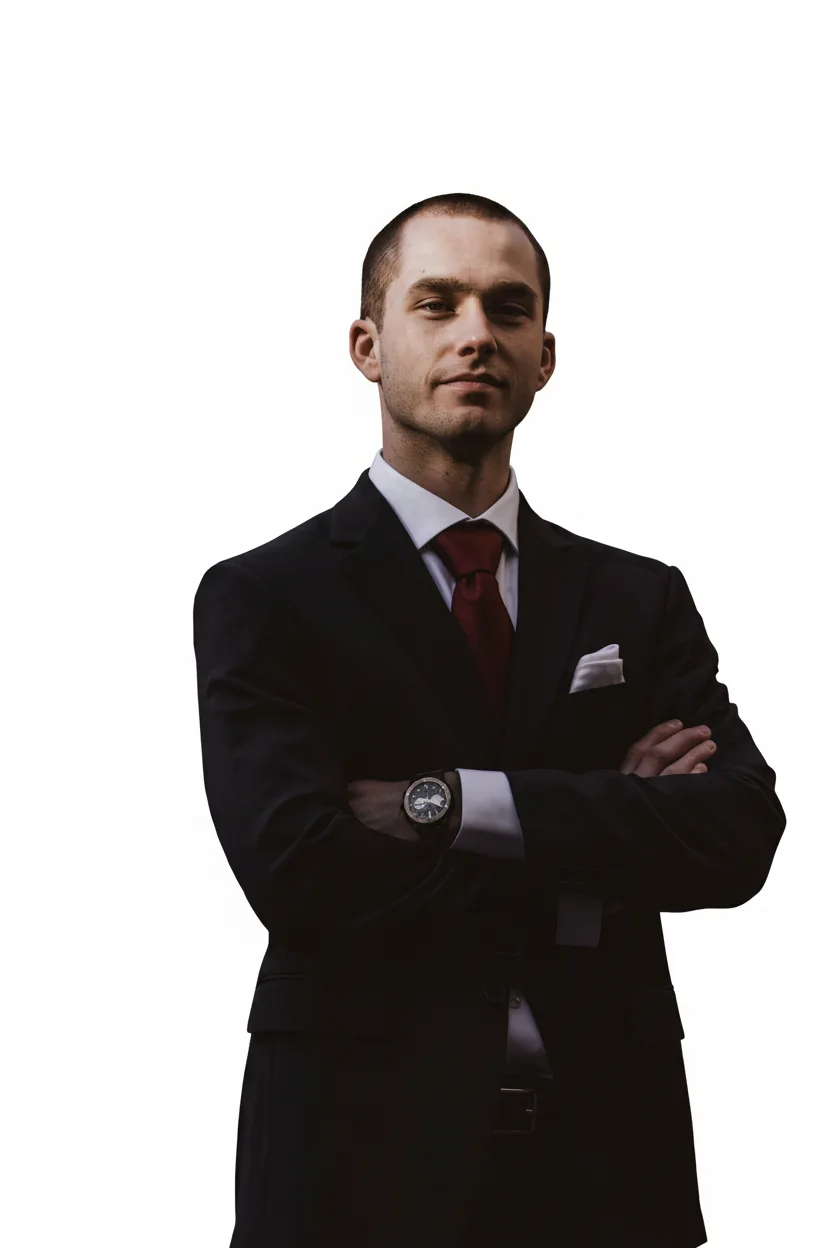 After
After
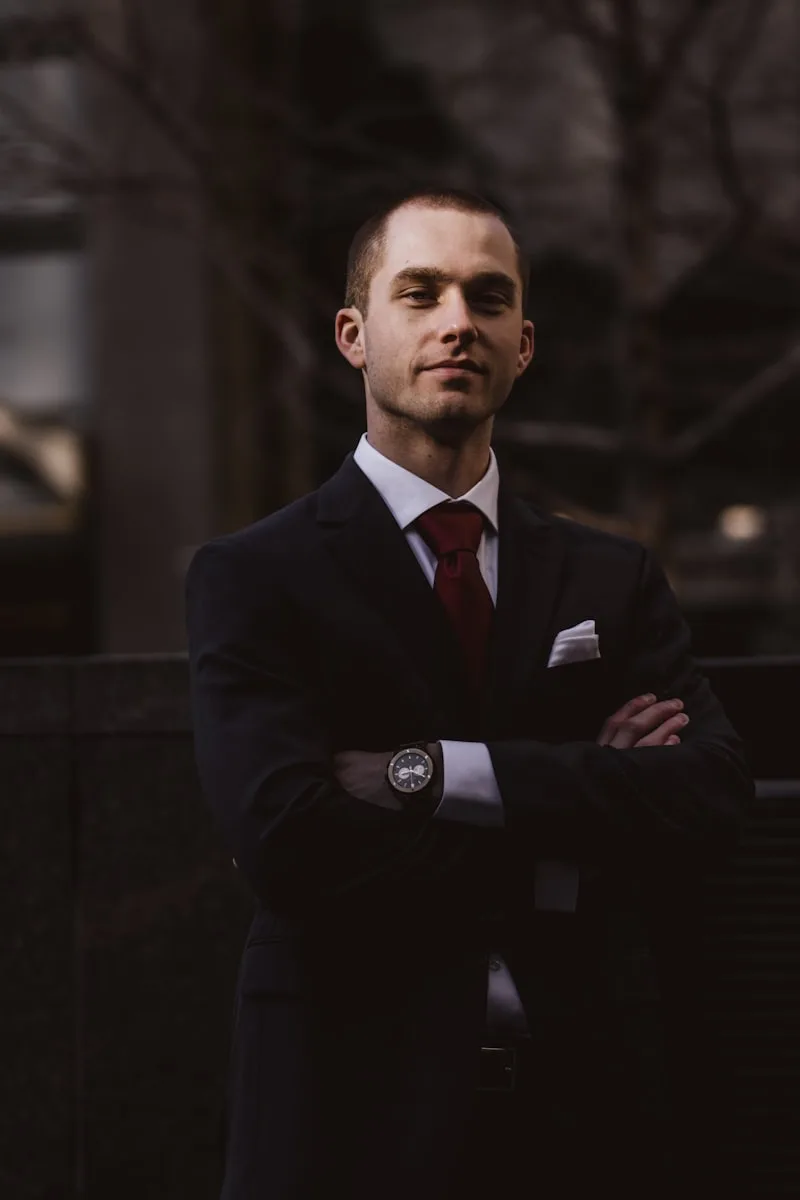 Before
Background cut out cleanly
Frequently Asked Questions
How do I enhance the quality of a photo?
Drop your image in the upload zone: the AI analyses what degrades it — softness, noise, dull colours, low resolution — and fixes each point. You compare the result with the original using the before/after slider, then download if you like what you see. No editing skills needed: the adjustments run automatically, and the manual tools (crop, filters, text) stay available if you want to fine-tune.
Can you really unblur a blurry photo?
In most cases, yes — with an honest limit. The AI rebuilds plausible detail from what the image still holds: light motion blur, a missed focus or an over-enlarged crop recover very well. Extreme blur, where the information is gone, can't be fully reinvented. That's why the result always shows as a before/after preview prior to download: you judge the evidence, not a promise.
Can I restore an old family photo?
It's one of our users' favourite uses. Scan or photograph the print with your phone and drop the file: the AI revives faded colours, restores sharpness and softens grain and small scratches. Faces get dedicated treatment — they're the first thing you look at in a family photo. The result prints beautifully in large format for a frame or an album.
How far can I upscale an image?
The image upscaler multiplies resolution up to 4× while rebuilding detail, where a plain zoom just pixelates. Concretely: a compressed 800-pixel-wide WhatsApp photo comes out usable for a standard print, and a decent image becomes printable at 30 × 40 cm. Beyond that, it depends on the starting quality — the before/after slider shows you exactly what you'll get before downloading.
How do I remove the background from an image?
Drop the image and pick the background removal tool: the subject is cut out automatically, hair and fine edges included. You get a PNG with a transparent background, or you replace the background with a colour or another image. Typical uses: product photos for online selling, portraits for CVs or social profiles, montages and invitations.
Can I erase an object or a person from a photo?
Yes: simply describe what should disappear ("the bin on the right", "the person in the background") and the AI removes the element while rebuilding the backdrop. The most convincing edits involve clear, well-separated elements; an object overlapping the main subject sometimes takes two passes. Here too, the before/after leaves you the judge before downloading.
Do I need to install any software?
No. The editor runs entirely in your browser, on desktop and mobile alike. You drop a photo, you edit, you download — nothing to install, nothing to update, no sign-up required to open the editor. That's the pocket-studio spirit: available wherever your photos are.
What file formats are accepted?
As input: JPG, PNG, WebP and HEIC (the iPhone format), up to 30 MB — very large images are adapted automatically. As output: PNG (with or without transparency), JPG (light, ideal for sharing) and WebP. Whether your file comes from an old scanner or a recent phone, no need to convert it first: drop it as is.
Is the editor paid?
Opening the editor and preparing your edits is free of restriction; downloading the results is part of the full site access: €0.50 for a 48-hour trial, then €39.90/month unless you cancel. The subscription covers every tool — enhancement, unblur, background, AI filters, ID photos. Cancel anytime from your account, including during the trial.
Do my photos stay private?
Yes. Files are encrypted during processing, never shared or sold, and automatically deleted from our servers after 30 days — or immediately on request. Your photos are never used to train AI models. What you edit is nobody's business but yours.
Does it work on my phone?
Perfectly — most of our users edit from their mobile. The interface is built for touch: upload straight from your gallery or camera, before/after slider under your finger, download to your gallery. Processing runs on our servers: your phone needs neither power nor free space.
Enhance Your Photo Quality
Sharpness, colours, resolution — our AI photo enhancer gives your images the quality they deserve.
A photo happens once — and sometimes bad light, an old phone or WhatsApp compression got in the way. Our photo enhancer analyses the image and rebuilds what's missing:
- Resolution upscaled : enlarge a small image up to 4× without the pixelated look, ready to print or display large.
- Sharpness rebuilt : edges and textures brought back into focus — faces, text, background details.
- Colours and light rebalanced : dark shots brightened without burning highlights, dull tones revived.
- Faces handled with care : the AI pays special attention to facial features — where the eye forgives least.
Drop your photo, check the before/after slider, download only if you love the result. Three minutes, nothing to install.
Enhance My Photo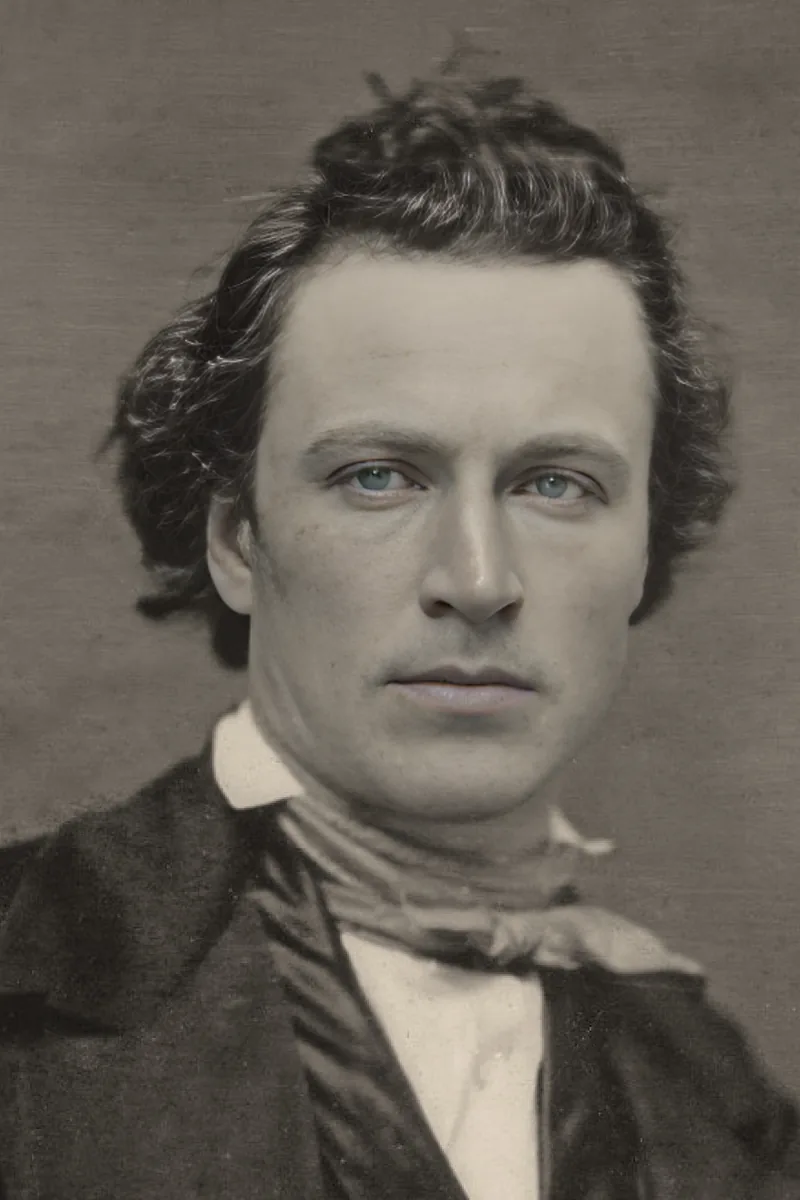 After
After
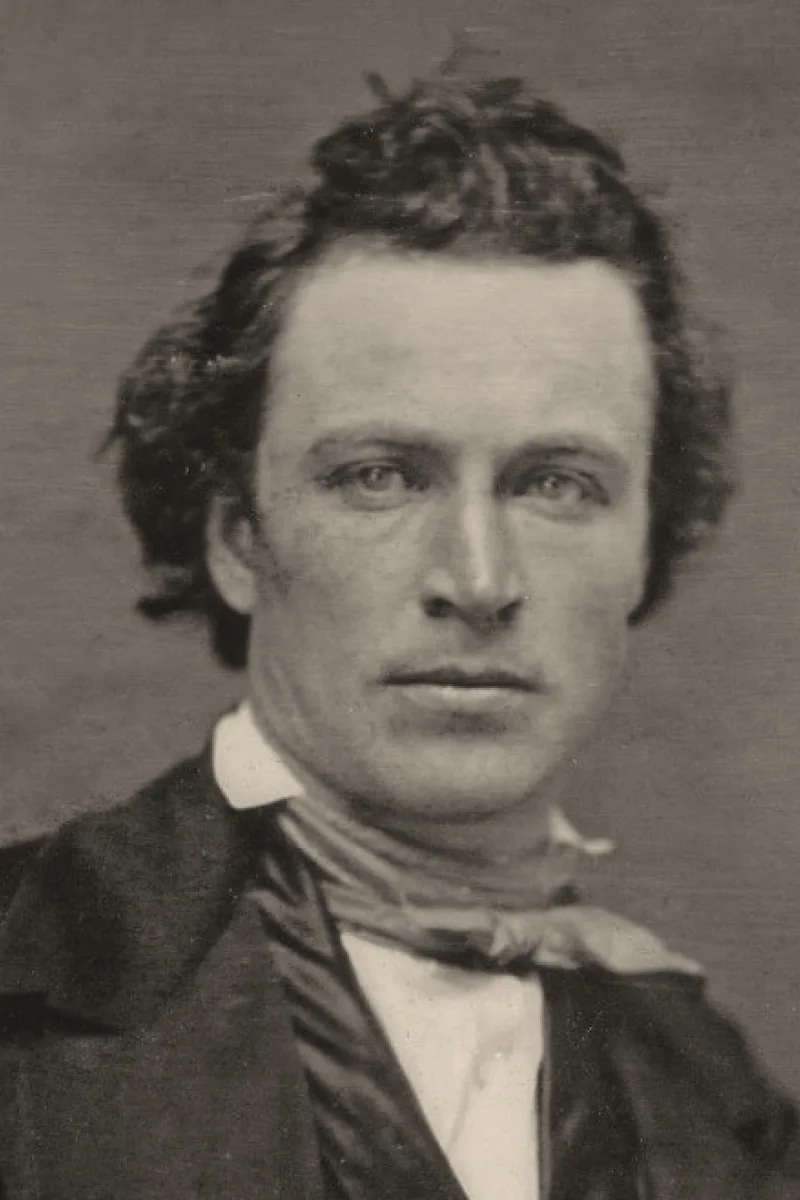 Before
Unblur a Photo
Camera shake, missed focus, over-zoomed crop — recover the detail you thought was gone.
Blur isn't always final. Our unblur tool identifies what went wrong — motion blur, focus on the wrong subject, an image blown up too far — and reconstructs plausible detail from what the photo still holds. Where it shines:
- The group shot taken a split second too late;
- The portrait focused on the background;
- The cropped screenshot that became too small to use;
- The old print scanned in low quality.
Studio honesty: extreme blur can never be fully recovered — no tool reinvents what's no longer in the image. That's why you always review the before/after before deciding to download.
Unblur My Photo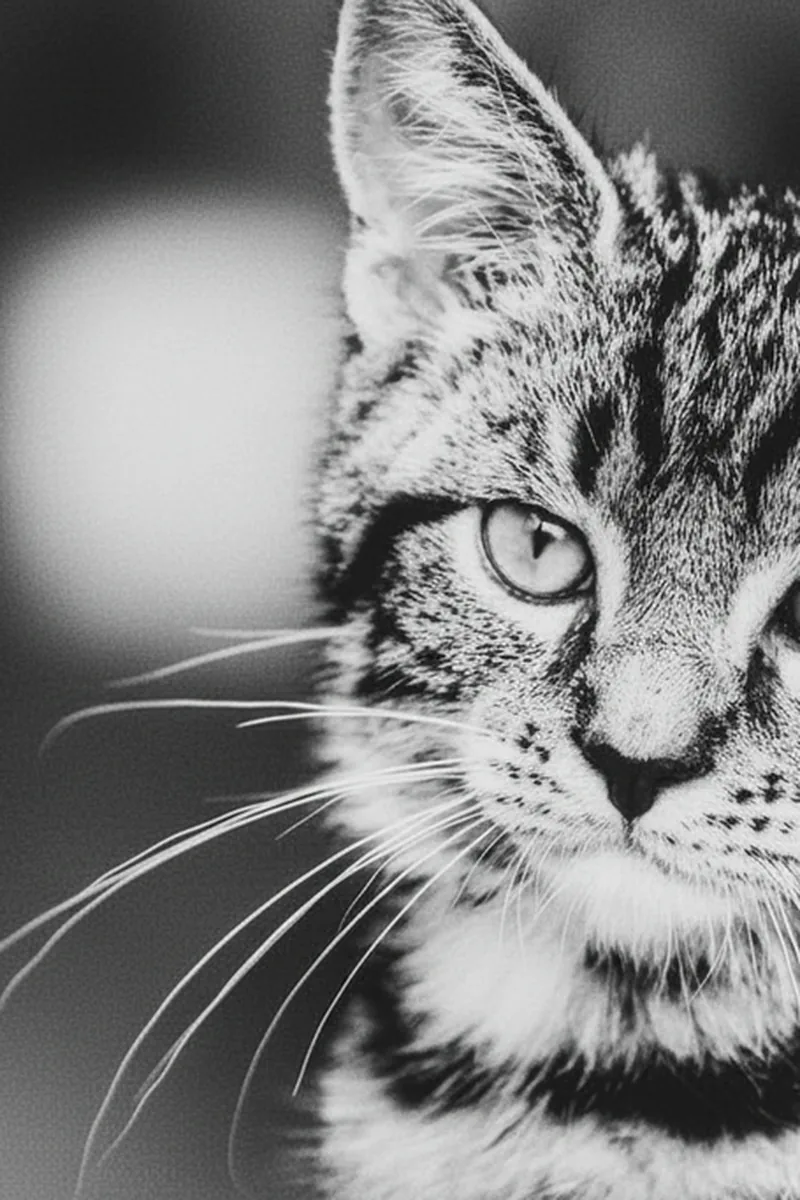 After
After
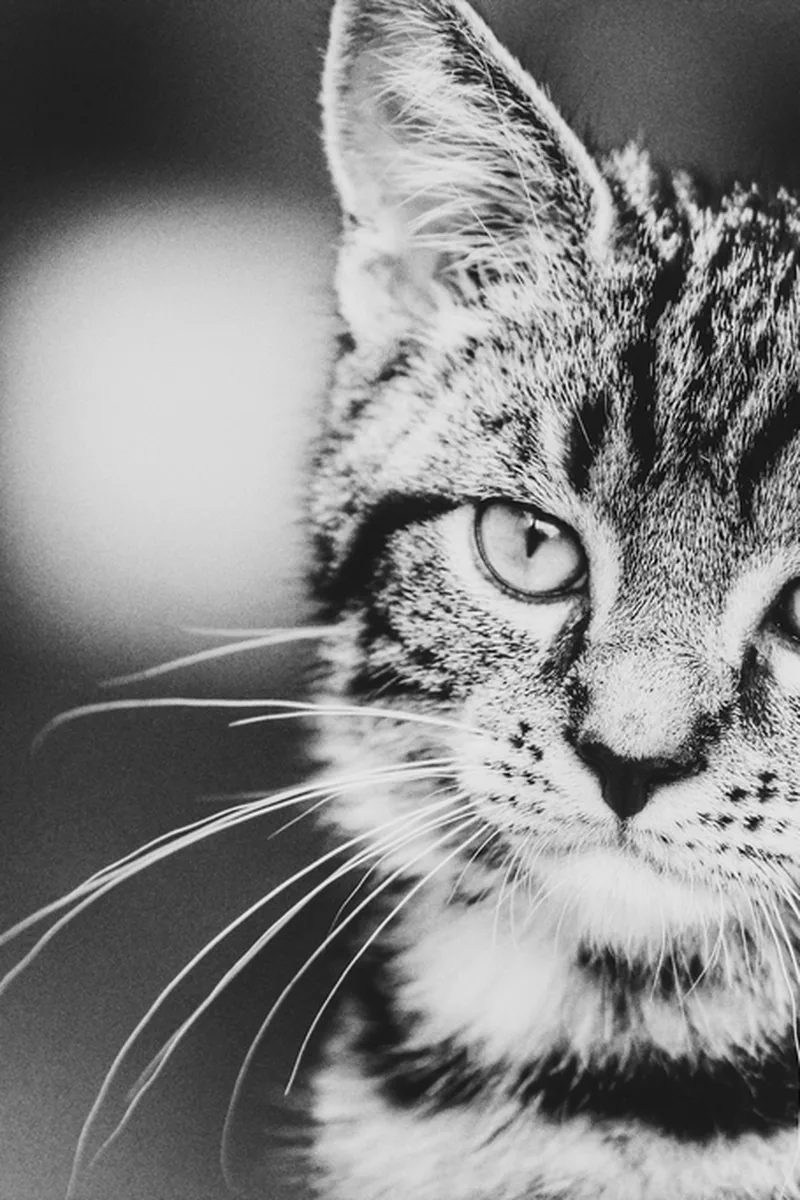 Before
Your photos get a second life
Old family photos
Revive an 80s print scanned with your phone — sharpness, colours, tears softened.
Night-out photos
Rescue the memories shot in low light, without flash, at arm's length.
Large-format printing
Turn a compressed WhatsApp file into a frame-worthy 30 × 40 cm print.
Profile pictures
A sharp, bright portrait for your social profiles, from the one photo you actually like.